
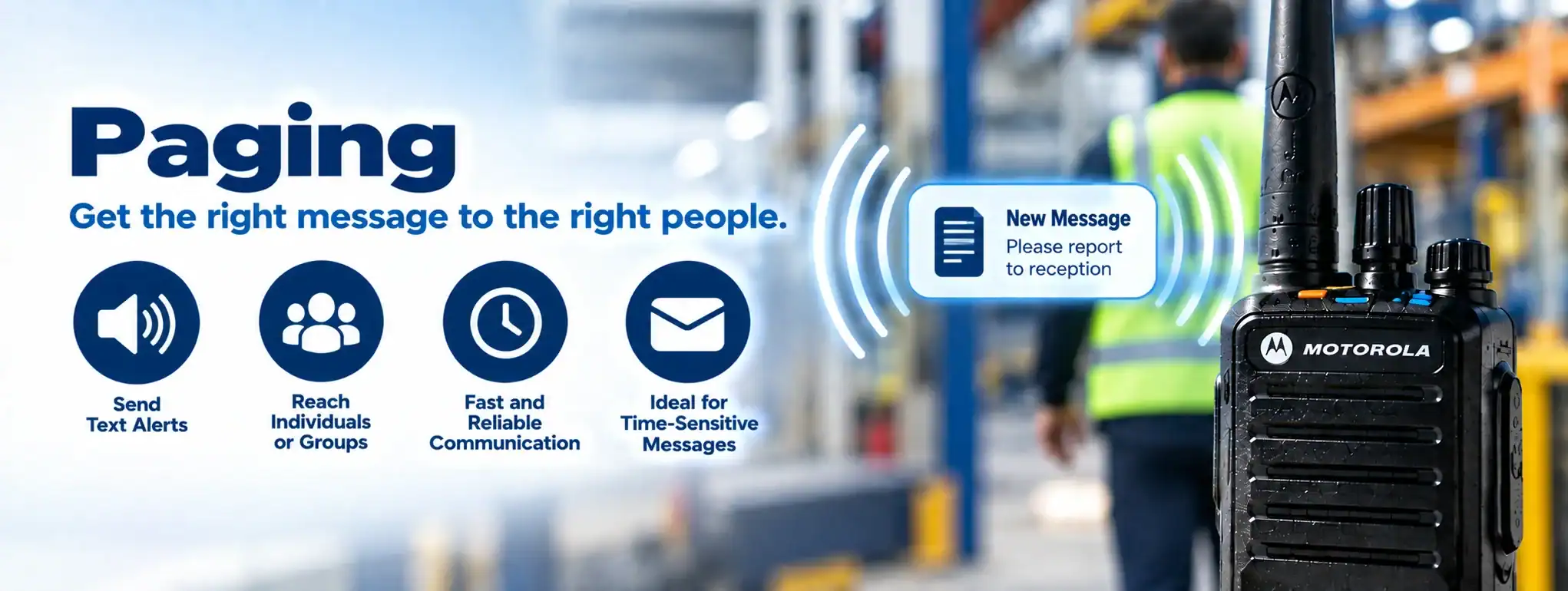
Paging
Paging is a communication method used to send a short alert or message to a specific person, group or device. In professional radio systems, paging can be used to quickly notify users that their attention or response is required.
Paging is particularly useful where an organisation needs to alert personnel without establishing a continuous voice conversation.
What is paging?
Paging allows an authorised user or system to send an alert to another user or group.
A basic paging process is:
Dispatcher → Radio NetworkA Network is a connected system of radios, equipment and infrastructure that allows users to communicate across a defined area. Radio networks can range from simple radio-to-radio systems to large multi-site networks. → Radio User
The receiving radio can provide an audible, visual or other alert depending on the equipment and system.
Paging in two-way radio
Professional two-way radio systems can provide paging or alert functions alongside normal voice communication.
For example, a control room could send an alert to a particular worker, team or group.
The receiving user can then respond using the radio.
Radio paging vs voice communication
Paging is primarily intended to alert a user.
A voice call is used for a conversation.
For example:
Paging: “Operations team, please respond.”
Voice call: The users then communicate directly to discuss the situation.
This can make paging useful for quickly getting the attention of specific personnel.
Group paging
A paging system can send an alert to multiple users at the same time.
For example:
Control Room → Security Team
Every compatible radio in the selected group can receive the alert.
This can be useful for organisations where several people need to respond to the same event.
Individual paging
Paging can also be directed towards an individual radio.
For example:
Dispatcher → Radio 104
The selected user receives an alert without necessarily interrupting every other radio user.
Selective calling
Paging can form part of a Selective CallingSelective Calling allows a two-way radio system to direct a transmission to a specific radio or group of radios rather than all users on the channel. system.
Selective calling allows a particular radio, group or set of radios to be addressed rather than broadcasting an alert to every radio on the network.
This can be particularly useful on larger radio systems.
Paging and digital radio
Digital radio systems can provide more sophisticated paging and signalling functions than basic analogue systems.
Depending on the technology, digital signalling can identify:
- Individual radios
- Groups
- Priority users
- Emergency alerts
- Status messages
The exact paging functions depend on the radio systemA Radio System is a complete communication solution comprising two-way radios and, where required, equipment such as repeaters, antennas, base stations, mobile radios and network infrastructure. and manufacturer.
Paging and DMR
DMR (Digital Mobile RadioA Mobile Radio is a two-way radio designed to be installed in a vehicle. It normally uses the vehicle's power supply and an external antenna to provide reliable communication while travelling or working in the field.) systems can support various forms of signalling and calling between radios.
Compatible DMR equipment can provide individual and group communication functions that may be used for alerting or paging applications.
The precise implementation depends on the radio manufacturer and system configuration.
Paging and MOTOTRBO™
Compatible MOTOTRBO™MOTOTRBO™ is Motorola Solutions' professional digital two-way radio platform, based on the DMR standard. It supports business communication ranging from simple radio systems to multi-site networks. systems provide individual and group communication features that can be used for alerting users.
Depending on the equipment and software, organisations can also integrate radio communications with applications that generate alerts or notifications.
Paging and dispatch
Paging can be particularly useful when combined with Dispatch.
A dispatcher can select a particular radio or group and send an alert.
For example:
Incident Detected → Dispatcher → Paging Alert → Response Team
The team can then communicate with the dispatcher using the radio system.
Paging and emergency alerts
Paging can be used alongside Emergency AlarmAn Emergency Alarm allows a two-way radio user to quickly alert a dispatcher, control room or other authorised users that assistance may be required. and Emergency CallAn Emergency Call is a priority two-way radio function that allows a user to quickly request assistance and, on supported systems, establish an urgent voice communication with a dispatcher or control room. functions.
An emergency alert may notify a dispatcher or defined group that assistance is required.
Paging is generally an alerting function, while an emergency call can provide a more direct communication channelA two-way radio channel is a programmed set of communication settings, typically including frequency and signalling, that allows compatible radios to communicate with one another..
Paging and lone worker
Paging can be useful in systems supporting Lone WorkerA Lone Worker is someone who works without direct supervision or immediate assistance nearby. Compatible two-way radios can provide safety features such as timed check-ins, emergency alerts and GPS location. applications.
For example, a lone worker may receive a prompt or alert requiring them to respond.
If a response is not received, the system can escalate the event depending on its configuration.
Paging and man down
Compatible Man DownMan Down is a safety feature on some professional two-way radios that can detect a possible fall or unusual radio position and automatically raise an alert if the user does not respond. systems can automatically generate an alert when the radio detects a potential fall or other configured condition.
The resulting notification can be sent through the radio system to a dispatcher or designated users.
Paging and text messaging
Some digital radio systems support text messaging alongside voice communication.
Text messages can provide more information than a simple alert.
For example:
Paging Alert: “New job”
Text Message: “Attend warehouse entrance and contact supervisor.”
The available messaging features depend on the radio and system.
Paging and status messages
Compatible radios can transmit predefined status messages.
This can allow users to communicate simple information without making a voice call.
Examples include:
- Available
- Busy
- At location
- Job complete
- Require assistance
Paging and status messaging can therefore complement each other in operational radio systems.
Paging and call priority
Some professional radio systems can assign different priorities to different types of communication.
An urgent alert may be configured to receive higher priority than routine communication.
The exact priority functionality depends on the radio system.
Paging and radio channels
Paging can operate through the radio network’s configured channels or communication groups.
The receiving radios must be compatible with the signalling used by the system.
Correct CodeplugA Codeplug is the configuration data programmed into a two-way radio that defines its channels, frequencies, talkgroups, radio ID and other operating features. configuration is therefore important.
Paging and radio networks
Paging can be used across a professional Network.
A larger system may allow alerts to be distributed across:
- Multiple repeaters
- Multiple radio sites
- Connected buildingsAn antenna transmits and receives radio-frequency signals, allowing a two-way radio to communicate. Antenna type, frequency, height and location can all affect radio performance and coverage.
- Different geographical areas
This can allow a central control room to alert users operating throughout a wider area.
Paging and repeaters
A RepeaterA Repeater receives a two-way radio transmission and retransmits it, usually from an elevated location, to extend the coverage and reliability of a radio communication system. can extend the coverageRadio Coverage is the geographical area in which a two-way radio system can provide reliable communication. Coverage depends on the radios, antennas, frequency, terrain, buildings and system infrastructure. of radio paging.
For example:
Dispatcher → Repeater → Radio Users
This can allow paging alerts to reach users who are beyond direct radio-to-radio range.
Paging and multi-site systems
Large organisations may operate radio systems across several locations.
Paging can be distributed across connected sites where the system supports it.
For example:
Control Room → Network → Site A / Site B / Site C
This can allow the same operational alert to reach users across multiple locations.
Paging and GPS
Paging can be combined with GPS and location information.
For example, a dispatcher could identify the nearest available field worker and send them an alert.
This can be useful for:
- Utilities
- Transport
- Security
- Facilities management
- Field services
Paging and job tracking
Paging can be integrated with Job TrackingJob Tracking is the process of monitoring the progress, status and, where supported, location of a job or field worker from assignment through to completion, often using GPS, radio and dispatch systems. systems.
A new job can trigger an alert to an appropriate radio user.
For example:
Job Created → Paging Alert → Worker Responds → Job Completed
This can reduce the need for manual voice instructions.
Paging and incident management
Paging can also form part of an Incident ManagementIncident Management is the process of coordinating people, communications and resources during an incident. Two-way radios can provide rapid communication between teams, control rooms and responders. workflow.
For example:
Incident Created → Relevant Team Alerted → Radio Communication → Response
This can help organisations coordinate responses to operational incidents.
Paging and fleet management
In transport and logistics, paging can be used to alert drivers or mobile workers.
A control room could send an alert to a specific vehicle or group of vehicles.
Where GPS and fleet-management systems are integrated, alerts can potentially be directed to suitable personnel based on their location.
Paging in security
Security teams can use paging to quickly alert officers to an incident or request assistance.
For example:
Control Room → Security Group → Alert → Voice Response
This can be useful across sites such as:
- Shopping centres
- Hotels
- Industrial facilities
- Events
- Large commercial buildings
Paging in healthcare
Paging has traditionally been used extensively in healthcare environments to alert staff who need to respond quickly.
Radio-based or dedicated paging systems can be used depending on the application and required infrastructureRadio infrastructure is the equipment and supporting systems behind a professional two-way radio network, including repeaters, antennas, base stations, network connections, power systems and dispatch equipment..
The appropriate system depends on the communication and reliability requirements.
Paging in construction
Construction sites can use paging or radio alerts to notify teams about:
- Site incidents
- Deliveries
- Plant movements
- Safety issues
- Operational changes
Group alerts can quickly reach several workers at once.
Paging at events
Event organisers can use radio paging and alert functions to notify:
- Security teams
- Stewards
- Production staff
- Medical teams
- Event management
This can provide rapid notification without requiring a voice call to every member of a team.
Paging in transport
Transport operators can use paging to communicate short alerts to drivers and mobile staff.
For example:
Control Room → Driver → Alert → Voice Response
This can be useful where drivers need to be contacted while remaining focused on their operational duties.
Paging and radio hire
Paging and alert functions can be included in suitable Radio HireRadio Hire is the temporary rental of two-way radios and related communication equipment for events, projects and operational requirements, providing professional communication without purchasing the equipment. systems where the hired equipment supports the required functionality.
This can be useful for temporary:
- Events
- Security operations
- Construction projects
- Production work
- Hospitality operations
The available features depend on the radios and system supplied.
Paging and licence-free radios
Basic licence-free PMR446 radios generally provide simple voice communication rather than the advanced paging capabilities available on professional digital radio systems.
Some radio models may provide basic alert or signalling functions, but capabilities vary.
Paging and licensed radio
Professional paging functions are commonly found in licensed radioA Licensed Radio is a two-way radio operated under an appropriate radio licence. Licensed systems can provide greater control over frequencies, coverage and infrastructure than licence-free radio services such as PMR446. systems where more advanced communication and signalling are required.
The radio system must operate within the conditions of the applicable Ofcom Business Radio LicenceAn Ofcom Business Radio Licence authorises businesses and organisations in the UK to use specified radio frequencies for professional two-way radio communication, subject to the licence conditions. where licensing is required.
Paging and encryption
Paging information can be subject to the same security considerations as other radio communications.
Where sensitive information is involved, compatible encryptionEncryption protects two-way radio communications by converting voice or data into a secure form that can only be understood by authorised radios with the correct encryption capability and keys. and secure communication features may be appropriate.
The exact protection available depends on the radio system.
Paging limitations
Paging relies on compatible equipment and suitable network coverage.
Limitations can include:
- Radio coverage
- Network availability
- Equipment compatibility
- Battery condition
- System configuration
- Signalling compatibility
An alert cannot be relied upon if the receiving radio is outside the required coverage or is switched off.
Paging vs mobile-phone notifications
Radio paging can provide an operational alert without relying on a mobile-phone network.
This can be useful in environments where a dedicated radio network is preferred.
However, cellular-based notifications can provide wider geographical reach where mobile coverage is available.
The best option depends on the application.
Paging and DCS
DCS can advise on professional two-way radio systems that provide alerting and communication functions.
Paging can be particularly useful where teams need to be notified quickly and then communicate using two-way radio.
The appropriate solution depends on the number of users, coverage requirements, operating environment and level of functionality required.